A handful of companies are now paying employees in stablecoins instead of via SWIFT or ACH. The reason is simple: settlement is instant, fees are pennies, and the same setup works for a contractor in Lagos and a full-time engineer in Lisbon. This guide is about how to make stablecoin payroll actually run at scale — the stack, the compliance work, the wallet infrastructure, and the automation patterns.
Why crypto payroll became practical
Stablecoins are now real infrastructure. USDC and USDT together moved over $30 trillion of volume in 2025, the US GENIUS Act gave enterprises a regulatory framework for payment stablecoins, and Circle's USDC is now accepted by over two million merchants worldwide.
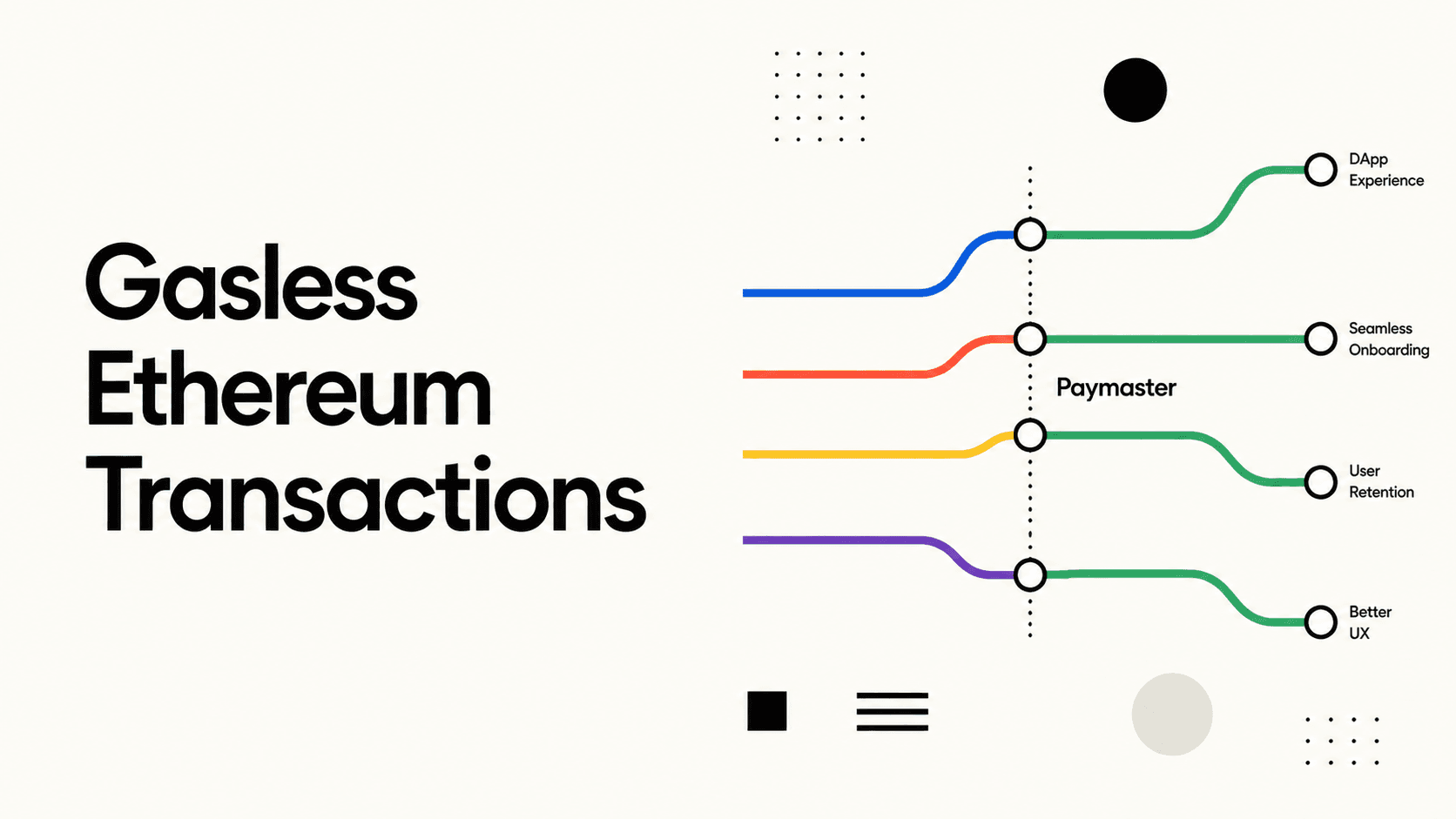
L2s killed the gas problem. Sending USDC on Base, Arbitrum or Polygon costs fractions of a cent — you can pay 500 employees for less than $5 in network fees. Add a paymaster and the recipient pays nothing.
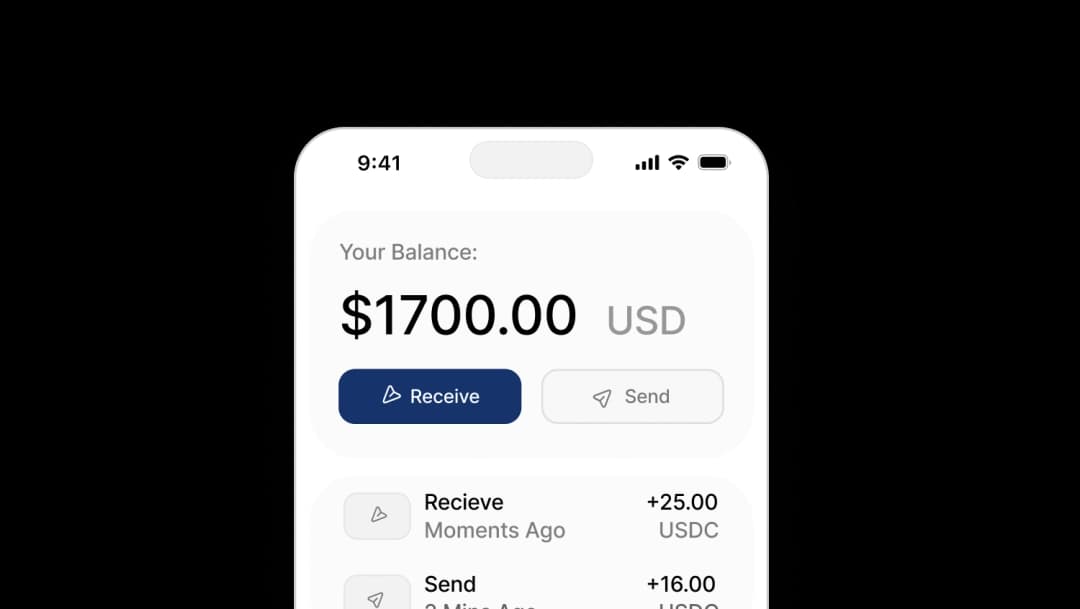
Embedded wallets killed the seed-phrase problem. The biggest blocker to crypto payroll used to be asking employees to write down a 12-word phrase or install MetaMask. Modern embedded wallets provision a non-custodial wallet from the same email or social login the employee already uses. It looks and behaves like a fintech app, because it is one.
The Compliance Landscape
Before building, understand the rules.
US Employers
The IRS treats cryptocurrency wages as ordinary income. Key rules:
- Withhold payroll taxes on the fair market value at time of payment
- Report on W-2 using the USD value at payment date
- Stablecoins have USD-pegged values, eliminating valuation complexity
- The employer-side deduction is the same as any cash compensation
The GENIUS Act (signed 2025) defines "payment stablecoins" as fiat-backed tokens issued by regulated entities — USDC and select USDT issuers qualify. Using a GENIUS Act-compliant stablecoin for payroll dramatically reduces regulatory risk compared to paying in volatile assets like ETH or BTC.
Global Employers
Crypto payroll rules vary by country:
| Region | Status |
|---|---|
| EU | Legal; taxed as employment income at receipt value |
| UK | HMRC treats as employment income; NIC applies |
| Singapore | MAS-regulated stablecoins accepted for wage payment |
| Brazil | Permitted if employee consents; must report in BRL |
| UAE | No income tax; crypto wages permitted |
For cross-border payroll — contractors in different countries receiving USDC — crypto payroll eliminates the SWIFT fees and 3-5 day settlement delays of international wire transfers. A contractor in Indonesia can receive payment in seconds and off-ramp to local currency via a local exchange.
Always Consult Legal Counsel
This guide is informational, not legal advice. Regulations are evolving rapidly. Work with employment law and tax professionals before rolling out crypto payroll.
The Technical Stack
A production crypto payroll system has five components:
_10HR / Payroll System_10 ↓_10Payroll Automation Service (your backend)_10 ↓_10Server Wallet (Openfort)_10 ↓_10Paymaster (gas sponsorship)_10 ↓_10Employee Embedded Wallets
1. Server Wallets: The Payroll Sender
A server wallet is a developer-controlled wallet your backend uses to sign and broadcast transactions. Unlike user-facing wallets, server wallets have no UI — they're purely API-driven.
Openfort's server wallet API lets you create and manage a secure signing wallet that your payroll service calls on each pay cycle:
_10import Openfort from "@openfort/openfort-node";_10_10const openfort = new Openfort(process.env.OPENFORT_SECRET_KEY!);_10_10// Create a server wallet for payroll disbursements_10const payrollWallet = await openfort.accounts.create({_10 chainId: 8453, // Base_10 externalOwnerAddress: COMPANY_SIGNER_ADDRESS,_10});
Fund this wallet with USDC before each payroll run. Openfort handles the ERC-4337 UserOperation construction, bundler submission, and retry logic automatically.
2. Employee Embedded Wallets
Each employee needs a wallet address to receive payment. With embedded wallets, you provision one automatically when an employee joins your payroll system:
_11// Create an embedded wallet for a new employee_11const employeeWallet = await openfort.accounts.create({_11 chainId: 8453,_11 userId: employee.id,_11});_11_11// Save wallet address to employee record_11await db.employees.update({_11 where: { id: employee.id },_11 data: { walletAddress: employeeWallet.address },_11});
Employees authenticate using their email or social login — no seed phrases, no crypto knowledge required.
3. Gas Sponsorship with Paymasters
Don't make your employees think about gas. A paymaster covers transaction fees on behalf of users. Configure Openfort's paymaster to sponsor all payroll transactions:
_10const policyResponse = await openfort.policies.create({_10 name: "Payroll Gas Policy",_10 chainId: 8453,_10 strategy: {_10 sponsorSchema: "pay_for_user",_10 tokenContract: USDC_ADDRESS_BASE,_10 },_10});
With this policy active, employees receive the exact USDC amount in their payroll — no gas deductions.
4. Automating the Payroll Run
Here's a simplified payroll disbursement function that sends USDC to all active employees:
_57import { ethers } from "ethers";_57_57const USDC_ABI = [_57 "function transfer(address to, uint256 amount) returns (bool)",_57];_57_57async function runPayroll(employees: Employee[], periodEndDate: Date) {_57 const results = [];_57_57 for (const employee of employees) {_57 const grossPayUsdc = calculateGrossPay(employee, periodEndDate);_57 const usdcAmount = ethers.parseUnits(grossPayUsdc.toString(), 6); // USDC has 6 decimals_57_57 try {_57 const transactionIntent = await openfort.transactionIntents.create({_57 account: payrollWallet.id,_57 chainId: 8453,_57 optimistic: false,_57 interactions: [_57 {_57 contract: USDC_CONTRACT_ID,_57 functionName: "transfer",_57 functionArgs: [employee.walletAddress, usdcAmount.toString()],_57 },_57 ],_57 policy: PAYROLL_POLICY_ID,_57 });_57_57 results.push({_57 employeeId: employee.id,_57 amount: grossPayUsdc,_57 txHash: transactionIntent.response?.transactionHash,_57 status: "sent",_57 });_57_57 // Audit log_57 await db.payrollLedger.create({_57 data: {_57 employeeId: employee.id,_57 periodEnd: periodEndDate,_57 usdcAmount: grossPayUsdc,_57 txHash: transactionIntent.response?.transactionHash,_57 chain: "base",_57 sentAt: new Date(),_57 },_57 });_57 } catch (err) {_57 results.push({_57 employeeId: employee.id,_57 status: "failed",_57 error: err.message,_57 });_57 }_57 }_57_57 return results;_57}
For large payrolls (hundreds or thousands of employees), batch the transfers using ERC-4337's multicall support to reduce both gas costs and execution time.
5. Scheduling the Payroll Run
Schedule your payroll function using your existing job scheduler (cron, Temporal, Inngest):
_14// Run payroll on the 15th and last day of each month_14cron.schedule("0 9 15,28-31 * *", async () => {_14 const today = new Date();_14 const isLastDayOfMonth = today.getDate() === new Date(today.getFullYear(), today.getMonth() + 1, 0).getDate();_14_14 if (today.getDate() === 15 || isLastDayOfMonth) {_14 const employees = await db.employees.findMany({_14 where: { status: "active", paymentMethod: "crypto" },_14 });_14_14 const results = await runPayroll(employees, today);_14 await notifyPayrollTeam(results);_14 }_14});
Building the Employee Experience
The payroll sender is only half the equation. Employees need a way to view their balance, spend their USDC, or convert to local fiat.
Option 1: In-App Wallet Portal
Build a simple web app where employees log in with their work email, see their USDC balance, transaction history, and can initiate a bank withdrawal:
_10// Frontend: display employee wallet balance_10const { data: wallet } = useOpenfortWallet();_10_10// Openfort hooks return balance data_10const usdcBalance = wallet?.assets?.find(_10 (a) => a.symbol === "USDC"_10)?.balance;
Option 2: Debit Card Issuance
Partner with a crypto card provider (Coinbase Card, Gnosis Pay, or Stripe Issuing with stablecoin backing) to give employees a physical or virtual debit card that draws from their USDC balance. This lets employees spend at any merchant that accepts Visa/Mastercard without ever touching an exchange.
Option 3: Off-Ramp to Bank Account
Integrate an off-ramp provider so employees can convert USDC to their local fiat currency and send it to their bank:
- MoonPay — off-ramp in 90+ countries, bank transfers, Wise payouts
- Transak — 130+ countries, local payment methods
- Coinbase Commerce — US bank wires, ACH
For international employees, this is often the fastest and cheapest way to receive foreign currency — often cheaper and faster than SWIFT wires.
Handling Multi-Currency Payroll
If you have employees in multiple countries, a crypto payroll system becomes a genuine competitive advantage:
_10US employee → receive USDC → spend via debit card or off-ramp to USD_10EU employee → receive USDC → off-ramp to EUR via local exchange_10Argentina employee → hold USDC as inflation hedge or off-ramp to ARS_10Philippines employee → off-ramp to PHP via GCash integration
The key insight: USDC is already a global currency. A single transfer from your company wallet reaches any employee, anywhere, in seconds. The off-ramp layer localizes it to whatever currency and payment method they prefer. Contrast this with traditional international payroll: dozens of currency conversions, correspondent banking relationships, 3-5 day settlement, and 3-5% FX spreads.
Security Considerations
Crypto payroll has unique security requirements because transactions are irreversible.
Multi-Sig for Large Disbursements
For payroll runs above a threshold (e.g., $50,000), require a second signature from a finance team member. Openfort's smart account policy engine supports threshold-based approval flows:
_13await openfort.policies.create({_13 name: "Large Payroll Approval",_13 chainId: 8453,_13 rules: [_13 {_13 type: "spending_limit",_13 limit: "50000000000", // $50,000 in USDC (6 decimals)_13 interval: "one_time",_13 requiresApproval: true,_13 approvers: [FINANCE_LEAD_ADDRESS],_13 },_13 ],_13});
Address Whitelisting
Only allow transfers to pre-verified employee wallet addresses. Prevent a compromised payroll system from sending funds to attacker-controlled addresses:
_10// Policy: only allow transfers to approved employee addresses_10await openfort.policies.create({_10 name: "Payroll Allowlist",_10 rules: [_10 {_10 type: "destination_allowlist",_10 addresses: verifiedEmployeeAddresses,_10 },_10 ],_10});
Audit Trail
Every on-chain transaction is a permanent, immutable audit record. Supplement this with an off-chain ledger that maps transaction hashes to employee IDs, pay periods, and gross/net amounts for HR and accounting purposes.
What to Expect from Crypto Payroll
| Metric | Traditional ACH | International Wire | Crypto Payroll (Base/Arbitrum) |
|---|---|---|---|
| Settlement time | 1-3 days | 3-5 days | ~2 seconds |
| Domestic fee | $0.20–$1.50 | — | <$0.01 |
| International fee | N/A | $25–$45 per wire | <$0.01 |
| FX spread | N/A | 1–5% | 0% (USDC is USD) |
| Reversibility | 24-hour window | Difficult | Irreversible |
| Programmability | None | None | Full (smart contracts) |
Getting Started
To launch a crypto payroll system with Openfort:
- Create an Openfort account at dashboard.openfort.io
- Configure a server wallet for payroll disbursements
- Create a paymaster policy to sponsor employee gas
- Provision embedded wallets for each employee (email or social auth)
- Integrate your payroll trigger (cron job, webhook from HR system)
- Add an off-ramp integration for employees who want fiat
Openfort handles key management, transaction signing, gas abstraction, and multi-chain support. You build the payroll logic, compliance layer, and employee-facing UI.
For a step-by-step tutorial on building the wallet layer, see How to Build a Stablecoin Wallet. For compliance-first deployments in regulated industries, see our fintech integration guide.
Crypto payroll isn't a gimmick. For globally distributed teams, it's already the most efficient payment rail available. Stablecoins eliminate FX friction. Embedded wallets eliminate the crypto UX problem. L2 chains eliminate gas costs. The infrastructure is ready — the remaining question is whether your HR and legal teams are.