Gas fees break onboarding. A user signs up, creates a wallet, tries to interact with your app — and hits a wall because they don't have ETH. They leave. Most of them don't come back.
For AI agents the problem is structural: autonomous systems executing transactions across multiple chains can't be expected to manually source native tokens on each one.
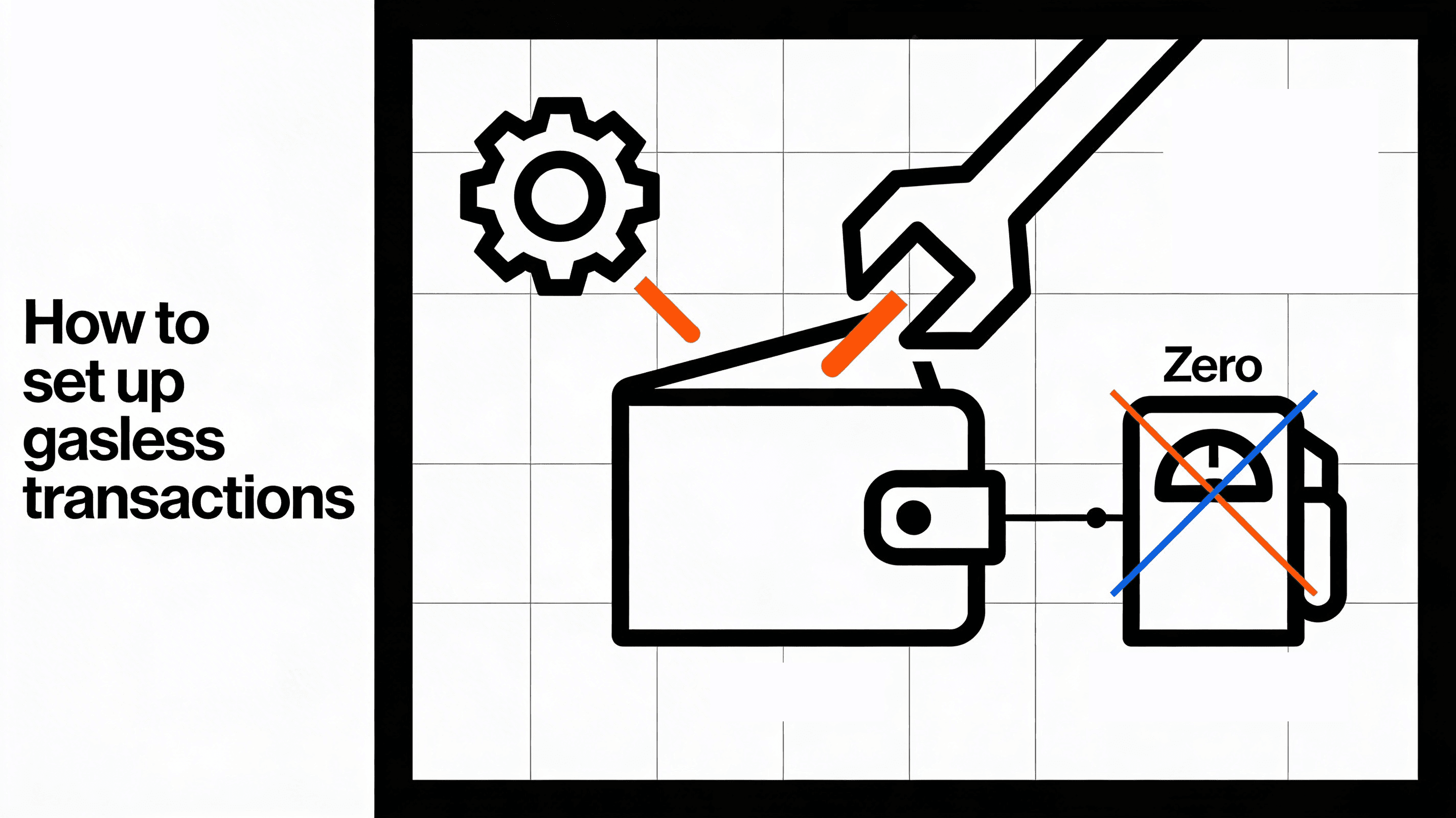
Gasless transactions fix both problems. Your application sponsors gas costs on behalf of users and agents, removing the friction entirely. This guide covers the full setup on Ethereum/EVM and Solana — from your first gas policy to production best practices.
How Gas Sponsorship Works
The mechanics differ by chain, but the core idea is the same: a third party (you, the developer) pays for the user's transaction costs.
On EVM chains, Openfort uses ERC-4337 Account Abstraction. The flow:
- Validation — The EntryPoint deducts the required prefund from the paymaster's deposit and calls
validatePaymasterUserOp(). The paymaster verifies an off-chain signature to confirm the operation qualifies for sponsorship. - Execution — The user's intended call is forwarded to their smart account and executed on-chain.
- Post-execution — The EntryPoint calls
postOp()for accounting: refunding unused gas, collecting ERC-20 payments, or emitting events.
On Solana, fee sponsorship is native to the protocol. Solana transactions have an explicit fee payer field — any account can cover fees for another. Openfort validates the transaction against your policy and signs it as the fee payer before returning it for execution.
Prerequisites
- An Openfort account with API keys
- Node.js 18+
- Basic familiarity with ERC-4337 (for EVM) or Solana transactions
_10npm install @openfort/openfort-node
Part 1: Gasless Transactions on EVM Chains
Step 1: Initialize the SDK
_10import Openfort from "@openfort/openfort-node";_10_10const openfort = new Openfort("sk_test_YOUR_SECRET_KEY");
Use sk_test_ keys for testnet development. Switch to sk_live_ in production.
Step 2: Create a Gas Policy
A gas policy defines who pays and under what conditions. Three sponsor strategies are available:
| Strategy | Description | Best For |
|---|---|---|
pay_for_user | You fully sponsor gas | Gaming, onboarding, free tiers |
charge_custom_tokens | User pays in ERC-20 at live rate | DeFi, stablecoin flows |
fixed_rate | User pays a fixed token amount | Predictable pricing, in-game currencies |
Create a full-sponsorship policy:
_10const policy = await openfort.policies.create({_10 name: "Sponsor all user transactions",_10 chainId: 80002, // Polygon Amoy testnet_10 strategy: {_10 sponsorSchema: "pay_for_user",_10 },_10});
Step 3: Register Your Contract and Add Rules
Register the contract to sponsor, then scope the policy to specific functions:
_28const contract = await openfort.contracts.create({_28 name: "MyNFTContract",_28 chainId: 80002,_28 address: "0x38090d1636069c0ff1af6bc1737fb996b7f63ac0",_28});_28_28// Sponsor the mint function_28await openfort.policyRules.create({_28 policy: policy.id,_28 type: "contract_functions",_28 contract: contract.id,_28 functionName: "mint",_28});_28_28// Sponsor account deployment (required for first-time users)_28await openfort.policyRules.create({_28 type: "account_functions",_28 policy: policy.id,_28});_28_28// Rate limit to prevent abuse_28await openfort.policyRules.create({_28 policy: policy.id,_28 type: "rate_limit",_28 countPerInterval: 10,_28 timeIntervalType: "day",_28 timeIntervalValue: 1,_28});
Always include account_functions for new users — without it, their first transaction (account deployment) won't be sponsored, and they hit a gas wall immediately.
Step 4: Execute a Sponsored Transaction
_13const transactionIntent = await openfort.transactionIntents.create({_13 player: "pla_YOUR_PLAYER_ID",_13 chainId: 80002,_13 optimistic: false,_13 policy: policy.id,_13 interactions: [_13 {_13 contract: contract.id,_13 functionName: "mint",_13 functionArgs: ["0xRecipientAddress", "1"],_13 },_13 ],_13});
Set optimistic: true for better UX in non-critical flows (returns immediately without waiting for confirmation).
Alternative: Pay Gas in ERC-20 Tokens
If you prefer users to pay gas in USDC rather than receiving free transactions:
_15const usdcContract = await openfort.contracts.create({_15 name: "USDC",_15 chainId: 84532, // Base Sepolia_15 address: "0x036CbD53842c5426634e7929541eC2318f3dCF7e",_15});_15_15const erc20Policy = await openfort.policies.create({_15 name: "Pay gas in USDC",_15 chainId: 84532,_15 strategy: {_15 sponsorSchema: "charge_custom_tokens",_15 tokenContract: usdcContract.id,_15 tokenContractAmount: "0", // "0" = use live exchange rate_15 },_15});
Viem Integration
If you're using viem directly, the Openfort paymaster works via the standard createPaymasterClient:
_20import { createPaymasterClient, createBundlerClient } from 'viem/account-abstraction'_20_20const paymasterClient = createPaymasterClient({_20 transport: http('https://api.openfort.io/rpc/11155111', {_20 fetchOptions: {_20 headers: { 'Authorization': 'Bearer YOUR_OPENFORT_PUBLISHABLE_KEY' },_20 },_20 }),_20})_20_20const bundlerClient = createBundlerClient({_20 account,_20 paymaster: paymasterClient,_20 paymasterContext: { policyId: 'pol_YOUR_POLICY_ID' },_20 transport: http('https://api.openfort.io/rpc/11155111', {_20 fetchOptions: {_20 headers: { 'Authorization': 'Bearer YOUR_OPENFORT_PUBLISHABLE_KEY' },_20 },_20 }),_20})
Part 2: Gasless Transactions on Solana
Solana's approach to fee sponsorship is architecturally different from EVM. There's no paymaster contract or ERC-4337 — Solana transactions natively support a feePayer field. Openfort validates your policy, then signs the transaction as the fee payer.
How It Works
- Your application builds a Solana transaction
- You send it to Openfort's Solana RPC endpoint
- Openfort checks the transaction against your sponsorship policy
- Openfort signs as the fee payer and returns the signed transaction
- The transaction is submitted to the network — the user pays zero SOL
Openfort's Solana paymaster endpoint:
_10https://api.openfort.io/rpc/solana/{cluster}
Replace {cluster} with devnet or mainnet-beta. Include your publishable key in the Authorization header.
Create a Solana Sponsorship Policy
In the Openfort Dashboard, create a policy with the sponsorSolTransaction operation enabled. This policy type controls which Solana transactions receive fee sponsorship.
SDK Example
Using the Kora SDK with Openfort as the fee payer:
_44import { KoraClient } from "@solana/kora";_44import {_44 createKeyPairSignerFromBytes,_44 createNoopSigner,_44 address,_44 partiallySignTransactionMessageWithSigners,_44 createSolanaRpc,_44 pipe,_44 createTransactionMessage,_44 setTransactionMessageFeePayerSigner,_44 setTransactionMessageLifetimeUsingBlockhash,_44 appendTransactionMessageInstructions,_44} from "@solana/web3.js";_44_44// Initialize Kora client pointing to Openfort_44const koraClient = new KoraClient(_44 "https://api.openfort.io/rpc/solana/mainnet-beta",_44 { headers: { Authorization: "Bearer YOUR_OPENFORT_PUBLISHABLE_KEY" } }_44);_44_44// Get Openfort's fee payer address_44const { feePayer } = await koraClient.getPayerSigner();_44const feePayerSigner = createNoopSigner(address(feePayer));_44_44// Build your transaction with Openfort as fee payer_44const rpc = createSolanaRpc("https://api.mainnet-beta.solana.com");_44const { value: latestBlockhash } = await rpc.getLatestBlockhash().send();_44_44const transactionMessage = pipe(_44 createTransactionMessage({ version: 0 }),_44 (tx) => setTransactionMessageFeePayerSigner(feePayerSigner, tx),_44 (tx) => setTransactionMessageLifetimeUsingBlockhash(latestBlockhash, tx),_44 (tx) => appendTransactionMessageInstructions(yourInstructions, tx)_44);_44_44// Sign with user's key first_44const userSigner = await createKeyPairSignerFromBytes(userKeypairBytes);_44const partiallySignedTx = await partiallySignTransactionMessageWithSigners(_44 transactionMessage_44);_44_44// Openfort co-signs as fee payer and broadcasts_44const result = await koraClient.signAndSendTransaction(partiallySignedTx);_44console.log("Transaction signature:", result.signature);
Available Solana Endpoints
| Method | Description |
|---|---|
signAndSendTransaction | Sign as fee payer and broadcast |
signTransaction | Sign without broadcasting (for manual submission) |
transferTransaction | Create a sponsored token transfer |
estimateTransactionFee | Estimate fee in lamports or tokens |
getSupportedTokens | List tokens accepted for fee payment |
Part 3: Gas Sponsorship for Agent Wallets
Agent wallets — wallets controlled by AI agents, bots, or automated systems — work the same way as user wallets when it comes to gas policies. You apply the same pay_for_user, charge_custom_tokens, or fixed_rate strategies.
This matters for two reasons:
- Agents shouldn't hold gas — a sponsored wallet removes the operational overhead of keeping agent wallets funded with native tokens on every chain they operate on.
- Agents need predictable costs —
charge_custom_tokenswith afixed_ratelets you predict exactly what each agent transaction costs, which is easier to account for than fluctuating native gas prices.
The setup is identical to user wallets. Create a gas policy, add policy rules scoped to the contracts your agent interacts with, and reference the policy when creating transaction intents. The agent wallet ID replaces the player ID:
_13const transactionIntent = await openfort.transactionIntents.create({_13 player: "agt_YOUR_AGENT_WALLET_ID", // agent wallet, same API as user wallet_13 chainId: 8453, // Base mainnet_13 optimistic: true,_13 policy: policy.id,_13 interactions: [_13 {_13 contract: contract.id,_13 functionName: "executeAction",_13 functionArgs: [...],_13 },_13 ],_13});
Rate limiting is especially useful here — cap agent wallets to prevent runaway transaction loops from draining your gas budget.
Best Practices
Fund your policy before going to production. In testnet, use Openfort's test balance. In production, fund via Balance Credit — gas costs auto-deduct as transactions execute.
Always scope policy rules. An unscoped policy sponsors everything on your account. Lock it down to specific contracts, functions, and rate limits before launch:
_10// Don't do this (sponsors everything):_10const policy = await openfort.policies.create({ strategy: { sponsorSchema: "pay_for_user" } });_10_10// Do this (scoped to your contract + rate limited):_10await openfort.policyRules.create({ policy: policy.id, type: "contract_functions", contract: contract.id, functionName: "mint" });_10await openfort.policyRules.create({ policy: policy.id, type: "rate_limit", countPerInterval: 10, timeIntervalType: "day", timeIntervalValue: 1 });
Include account_functions for onboarding flows. The first transaction deploys the smart account. Without this rule, new users hit a gas wall on their very first interaction.
Test on testnets before mainnet. Validate that policy rules correctly scope sponsorship, rate limits work as expected, and the full signing flow completes. Polygon Amoy, Base Sepolia, and Sepolia are good choices.
Monitor gas spending. Track costs via the Openfort dashboard. Set alerts for unusual spend patterns. If a policy burns through budget faster than expected, tighten rate limits or narrow the function scope.
Handle policy exhaustion gracefully. If your policy balance hits zero, sponsored transactions fail. Build a fallback in your app — either a UI prompt to inform the user, or an automated top-up triggered by a balance webhook — so policy exhaustion doesn't silently break your product in production.
Next Steps
- Ethereum Paymaster Reference — full RPC endpoint docs for EVM chains
- Solana Paymaster Reference — Solana fee sponsorship endpoints and SDK examples
- Gas Sponsorship Configuration — detailed policy configuration via dashboard and API
- Embedded Wallets Explained — pair gasless transactions with embedded wallets for the best onboarding UX