TLDR: Prompt an AI with this guide. Copy the prompt below into Claude, ChatGPT, or any LLM along with your Openfort credentials. It will scaffold the entire project for you.
Replace
sk_test_XXXXwith your API secret key andWALLET_SECRET_HEREwith your wallet secret from the Openfort Dashboard.
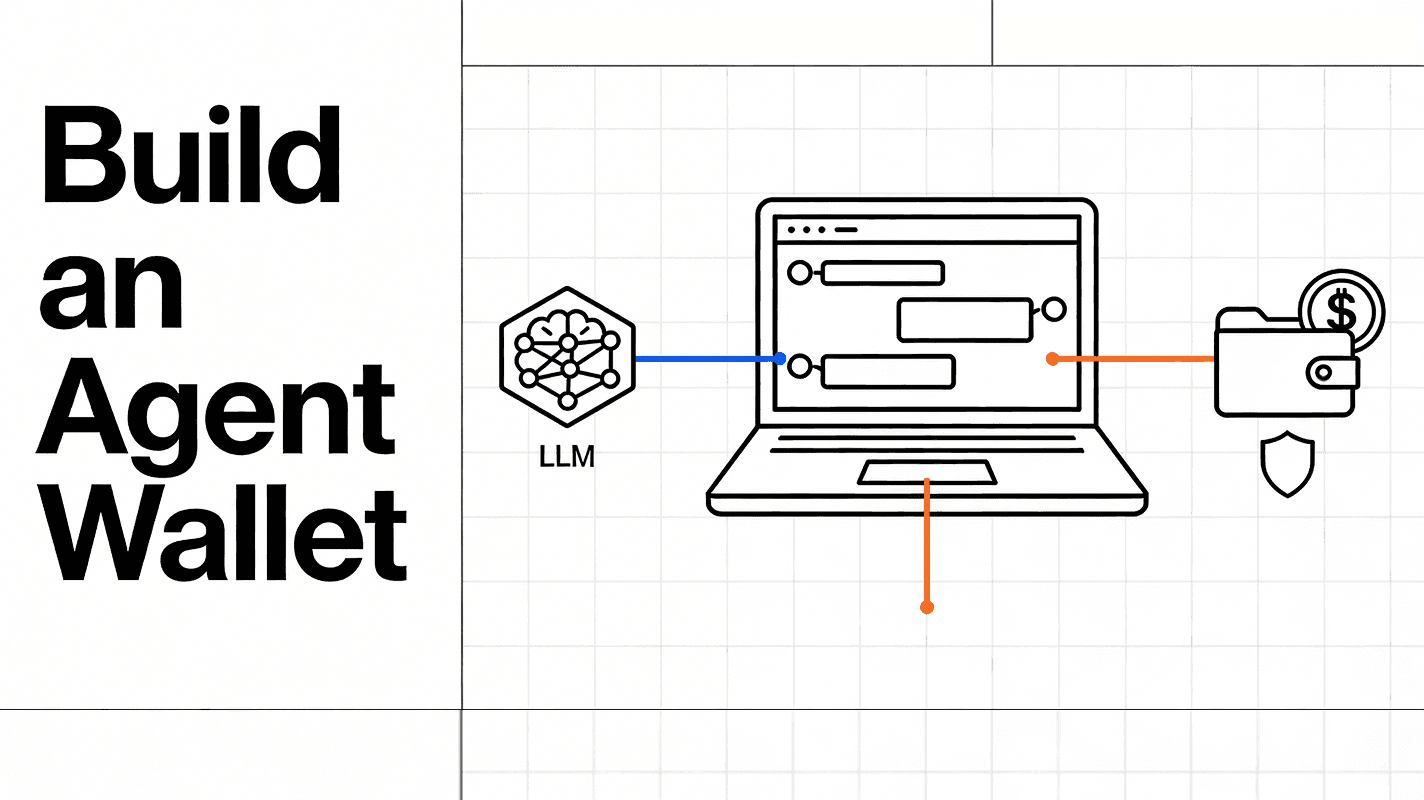
Agent wallets are server-side wallets that execute blockchain transactions autonomously. They power automated trading, scheduled payments, AI-driven commerce, and any workflow where a backend needs to sign and submit transactions without human intervention.
This guide walks through building one from scratch using Openfort backend wallets. By the end, you'll have a TypeScript project that creates a wallet, upgrades it with EIP-7702 delegation, configures USDC gas sponsorship, and sends a USDC transfer on Base Sepolia — with gas paid in USDC.
Prerequisites
You need two things from the Openfort Dashboard:
- API Secret Key (
sk_test_...): Found in your project settings - Wallet Secret: Generated when you enable backend wallets
You also need Node.js 18+ and a package manager (npm, pnpm, or yarn).
Project Setup
Initialize a TypeScript project and install the Openfort Node SDK:
_10mkdir agent-wallet && cd agent-wallet_10npm init -y_10npm install @openfort/openfort-node dotenv_10npm install -D typescript tsx @types/node_10npx tsc --init
Create a .env file with your credentials:
_10OPENFORT_SECRET_KEY=sk_test_XXXX_10OPENFORT_WALLET_SECRET=WALLET_SECRET_HERE_10CHAIN_ID=84532
Step 1: Create a Backend Wallet
Backend wallets are EOAs managed by Openfort's TEE infrastructure. Keys are generated and stored inside a secure enclave — they never leave it. Signing latency is under 200ms.
_15import Openfort from "@openfort/openfort-node";_15import "dotenv/config";_15_15const openfort = new Openfort(process.env.OPENFORT_SECRET_KEY!, {_15 walletSecret: process.env.OPENFORT_WALLET_SECRET,_15});_15_15async function createWallet() {_15 const account = await openfort.accounts.evm.backend.create();_15 console.log("Account ID:", account.id);_15 console.log("Address:", account.address);_15 return account;_15}_15_15const wallet = await createWallet();
This creates a new EOA with a private key secured in a TEE. The account.id is your Openfort identifier for this wallet, and account.address is the standard Ethereum address you'll use onchain.
You can also import an existing wallet if you have one:
_10const imported = await openfort.accounts.evm.backend.import({_10 privateKey: "0x...",_10 name: "MyExistingWallet",_10});
Step 2: Upgrade to an EIP-7702 Delegated Account
EIP-7702 lets an EOA temporarily delegate its execution to a smart contract implementation. Your backend wallet stays an EOA — it doesn't deploy a new contract — but it can borrow smart account capabilities: gas sponsorship, transaction batching, session keys, and more.
The delegation works by adding an authorization_list to a new transaction type (0x04). At the bytecode level, the EOA gets a special prefix (0xef0100) followed by the implementation contract address, creating a delegatecall proxy.
To upgrade your backend wallet, create a transaction intent with EIP-7702 delegation enabled:
_16async function upgradeToSmartAccount(accountId: string) {_16 const chainId = Number(process.env.CHAIN_ID);_16_16 // Create a transaction intent with 7702 delegation_16 const transactionIntent = await openfort.transactionIntents.create({_16 chainId,_16 account: accountId,_16 optimistic: false,_16 // The 7702 delegation is handled by Openfort's infrastructure_16 // when the account is used with a policy that supports it_16 interactions: [],_16 });_16_16 console.log("Delegation TX:", transactionIntent.id);_16 return transactionIntent;_16}
Once delegated, your EOA can be used with ERC-4337 UserOperations. The bundler packages operations and sends them to the EntryPoint contract, which calls your upgraded EOA for validation and execution.
Your agent wallet address stays the same. Any tokens, NFTs, or contract approvals at that address remain intact. You're adding capabilities without migrating.
Step 3: Set Up Dynamic Fee Sponsorship (Pay Gas in USDC)
By default, transactions on EVM chains require the native token (ETH on Base) for gas. With Openfort's PaymasterV3, you can pay gas in USDC instead. This is critical for agent wallets — your agents hold USDC for transactions, so they should pay gas in USDC too. No need to manage ETH balances separately.
Openfort supports three sponsorship strategies:
| Strategy | Description |
|---|---|
pay_for_user | Full gas sponsorship — you cover everything |
charge_custom_tokens | Dynamic rate using a live oracle for ERC-20 conversion |
fixed_rate | Fixed amount of ERC-20 per transaction |
For agent wallets, charge_custom_tokens is the right choice. It uses a live exchange rate so you're always paying the correct amount in USDC.
Register the USDC Contract
First, register the USDC token contract with Openfort:
_10const chainId = Number(process.env.CHAIN_ID); // 84532 for Base Sepolia_10_10const usdcContract = await openfort.contracts.create({_10 name: "USDC on Base Sepolia",_10 chainId,_10 address: "0x036CbD53842c5426634e7929541eC2318f3dCF7e", // USDC on Base Sepolia_10});_10_10console.log("USDC Contract ID:", usdcContract.id);
Create a Dynamic Fee Policy
Create a policy that charges gas fees in USDC at the current market rate:
_11const policy = await openfort.policies.create({_11 name: "USDC Dynamic Gas Policy",_11 chainId,_11 strategy: {_11 sponsorSchema: "charge_custom_tokens",_11 tokenContract: usdcContract.id,_11 tokenContractAmount: "0", // "0" = dynamic/oracle rate_11 },_11});_11_11console.log("Policy ID:", policy.id);
Setting tokenContractAmount to "0" tells Openfort to use the live exchange rate. The paymaster calculates gas cost in ETH, converts it to USDC using the current rate, and deducts that amount from the sender's USDC balance.
Add Policy Rules
Define which contract functions the policy applies to:
_10await openfort.policyRules.create({_10 policy: policy.id,_10 type: "contract_functions",_10 contract: usdcContract.id,_10 functionName: "transfer",_10});
Fund the Paymaster
Before the paymaster can sponsor transactions, it needs native token deposits. Deposit ETH to the Openfort Paymaster contract on Base Sepolia using the depositFor function. You can find the paymaster address in the Openfort Dashboard under entity addresses.
Step 4: Send a USDC Transfer with Gas Paid in USDC
Now bring it all together. Send a USDC transfer where the gas fee is automatically deducted in USDC:
_27async function sendUSDCTransfer(_27 accountId: string,_27 policyId: string,_27 usdcContractId: string,_27 recipient: string,_27 amount: string // in USDC base units (6 decimals). "1000000" = 1 USDC_27) {_27 const chainId = Number(process.env.CHAIN_ID);_27_27 const transactionIntent = await openfort.transactionIntents.create({_27 chainId,_27 account: accountId,_27 policy: policyId,_27 optimistic: false,_27 interactions: [_27 {_27 contract: usdcContractId,_27 functionName: "transfer",_27 functionArgs: [recipient, amount],_27 },_27 ],_27 });_27_27 console.log("Transaction Intent ID:", transactionIntent.id);_27 console.log("Status:", transactionIntent.response?.status);_27 return transactionIntent;_27}
Call the function to send 1 USDC:
_10const tx = await sendUSDCTransfer(_10 wallet.id, // from Step 1_10 policy.id, // from Step 3_10 usdcContract.id, // from Step 3_10 "0xRECIPIENT_ADDRESS",_10 "1000000" // 1 USDC (6 decimals)_10);
The transaction flow:
- Openfort constructs a UserOperation with the USDC transfer calldata
- The paymaster calculates gas cost and converts it to USDC at the current rate
- The bundler submits the operation to the EntryPoint
- The EntryPoint validates the operation through your EIP-7702 delegated account
- The USDC transfer executes, and the gas fee is deducted from your USDC balance
No ETH needed. The agent wallet only needs USDC.
Putting It All Together
Here's the complete flow in a single script:
_65import Openfort from "@openfort/openfort-node";_65import "dotenv/config";_65_65const openfort = new Openfort(process.env.OPENFORT_SECRET_KEY!, {_65 walletSecret: process.env.OPENFORT_WALLET_SECRET,_65});_65_65const chainId = Number(process.env.CHAIN_ID); // 84532_65_65async function main() {_65 // 1. Create a backend wallet_65 console.log("Creating backend wallet...");_65 const account = await openfort.accounts.evm.backend.create();_65 console.log(`Wallet: ${account.address}`);_65_65 // 2. Register USDC contract_65 console.log("Registering USDC contract...");_65 const usdcContract = await openfort.contracts.create({_65 name: "USDC on Base Sepolia",_65 chainId,_65 address: "0x036CbD53842c5426634e7929541eC2318f3dCF7e",_65 });_65_65 // 3. Create dynamic fee sponsorship policy_65 console.log("Creating USDC gas policy...");_65 const policy = await openfort.policies.create({_65 name: "USDC Dynamic Gas Policy",_65 chainId,_65 strategy: {_65 sponsorSchema: "charge_custom_tokens",_65 tokenContract: usdcContract.id,_65 tokenContractAmount: "0",_65 },_65 });_65_65 // 4. Add policy rules_65 await openfort.policyRules.create({_65 policy: policy.id,_65 type: "contract_functions",_65 contract: usdcContract.id,_65 functionName: "transfer",_65 });_65_65 // 5. Fund your wallet with test USDC_65 // Visit https://faucet.circle.com/ to get Base Sepolia USDC_65 console.log(`Fund ${account.address} with test USDC from https://faucet.circle.com/`);_65 console.log("Then run the transfer...");_65_65 // 6. Send USDC transfer with gas paid in USDC_65 // Uncomment after funding:_65 // const tx = await openfort.transactionIntents.create({_65 // chainId,_65 // account: account.id,_65 // policy: policy.id,_65 // optimistic: false,_65 // interactions: [{_65 // contract: usdcContract.id,_65 // functionName: "transfer",_65 // functionArgs: ["0xRECIPIENT_ADDRESS", "1000000"],_65 // }],_65 // });_65 // console.log("Transaction:", tx.id);_65}_65_65main().catch(console.error);
Run it with:
_10npx tsx main.ts
What You Can Build With This
Agent wallets are the building block for autonomous onchain systems:
- AI-powered trading agents that execute strategies without manual approval
- Automated payment processing — payroll, subscriptions, disbursements
- DCA (Dollar-Cost Averaging) bots that buy tokens on a schedule
- Cross-border remittance systems that convert and send stablecoins
- Backend services that interact with smart contracts as part of your application logic
Combine this with wallet permissions to let users grant agents scoped access to their accounts, or with programmable wallet controls to enforce spending limits and contract allowlists at the infrastructure level.
Key References
| Resource | Link |
|---|---|
| Openfort Node SDK | github.com/openfort-xyz/openfort-node |
| Backend Wallets Docs | openfort.io/docs/products/server |
| Gas Sponsorship Docs | openfort.io/docs/configuration/gas-sponsorship |
| EIP-7702 Deep Dive | openfort.io/blog/eip-7702 |
| Recipes Hub | github.com/openfort-xyz/recipes-hub |
| USDC Faucet (Base Sepolia) | faucet.circle.com |
Agent wallets turn your backend into a first-class blockchain participant. TEE-secured keys, EIP-7702 smart account powers, and USDC gas sponsorship — everything an autonomous agent needs to transact onchain without managing ETH balances or exposing private keys.
Ready to build? Get your API keys from the Openfort Dashboard and start with the code above, or explore the recipes hub for more complete examples.