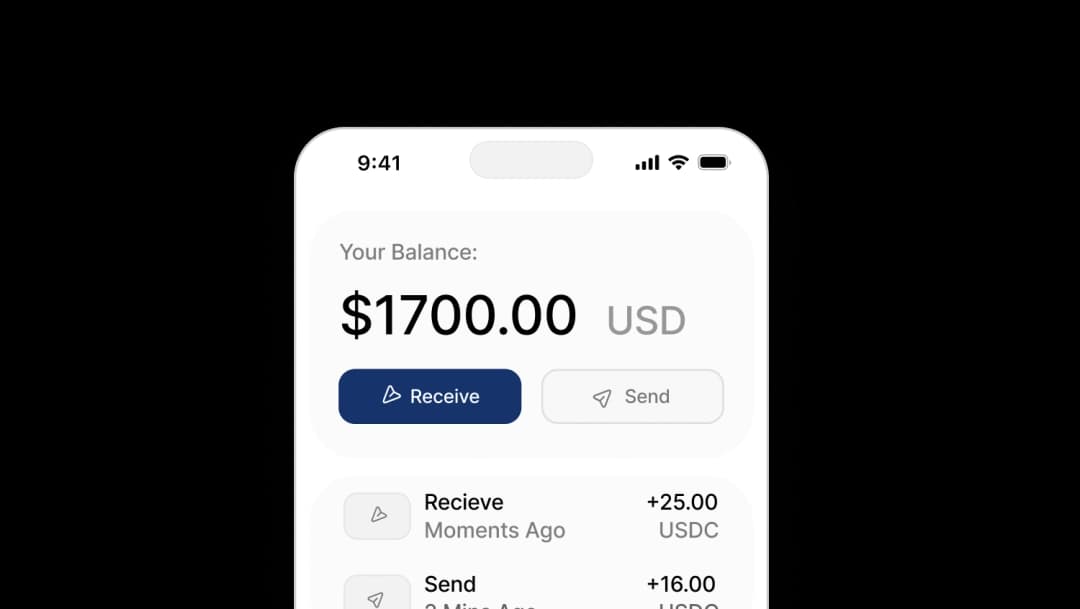
TL;DR
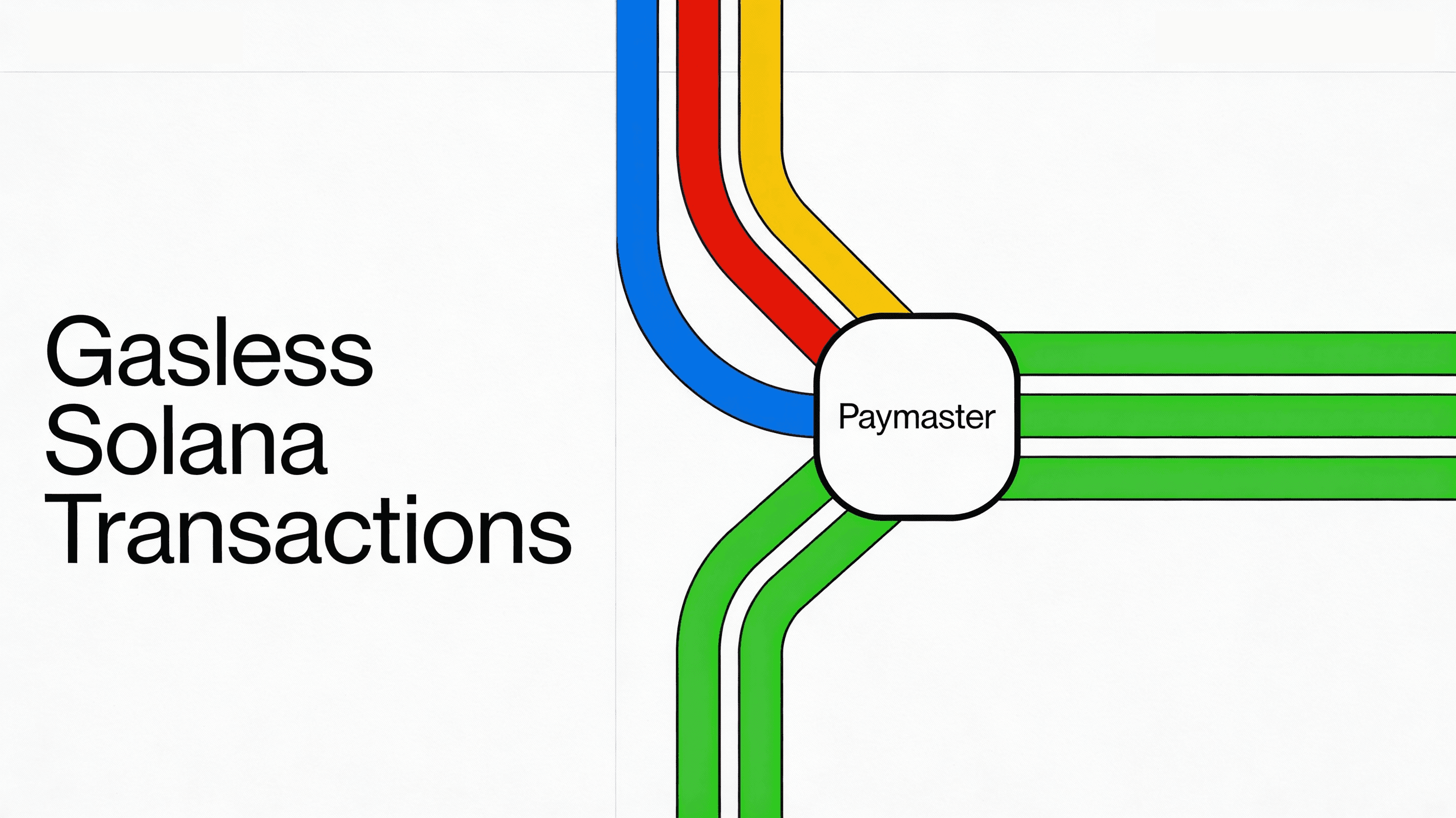
Openfort lets you sponsor gas on Solana, so users never need to hold SOL to transact. Under the hood, a co-signing pattern with the Kora relayer lets your app pay network fees on behalf of users while preserving signer security. You can also let users pay fees in stablecoins like USDC, USDT, or USDG instead of SOL. This removes a major onboarding blocker for consumer apps, games, and payment flows on Solana. Integration is a few lines of code via the Openfort SDK — no custom relayer infra required. The post walks through setup, the signing flow, code, and production considerations.
When we announced Solana support, we promised sponsored transactions were coming. Today, we're delivering on that promise: Openfort lets you sponsor gas on Solana, so your users transact without ever holding SOL.
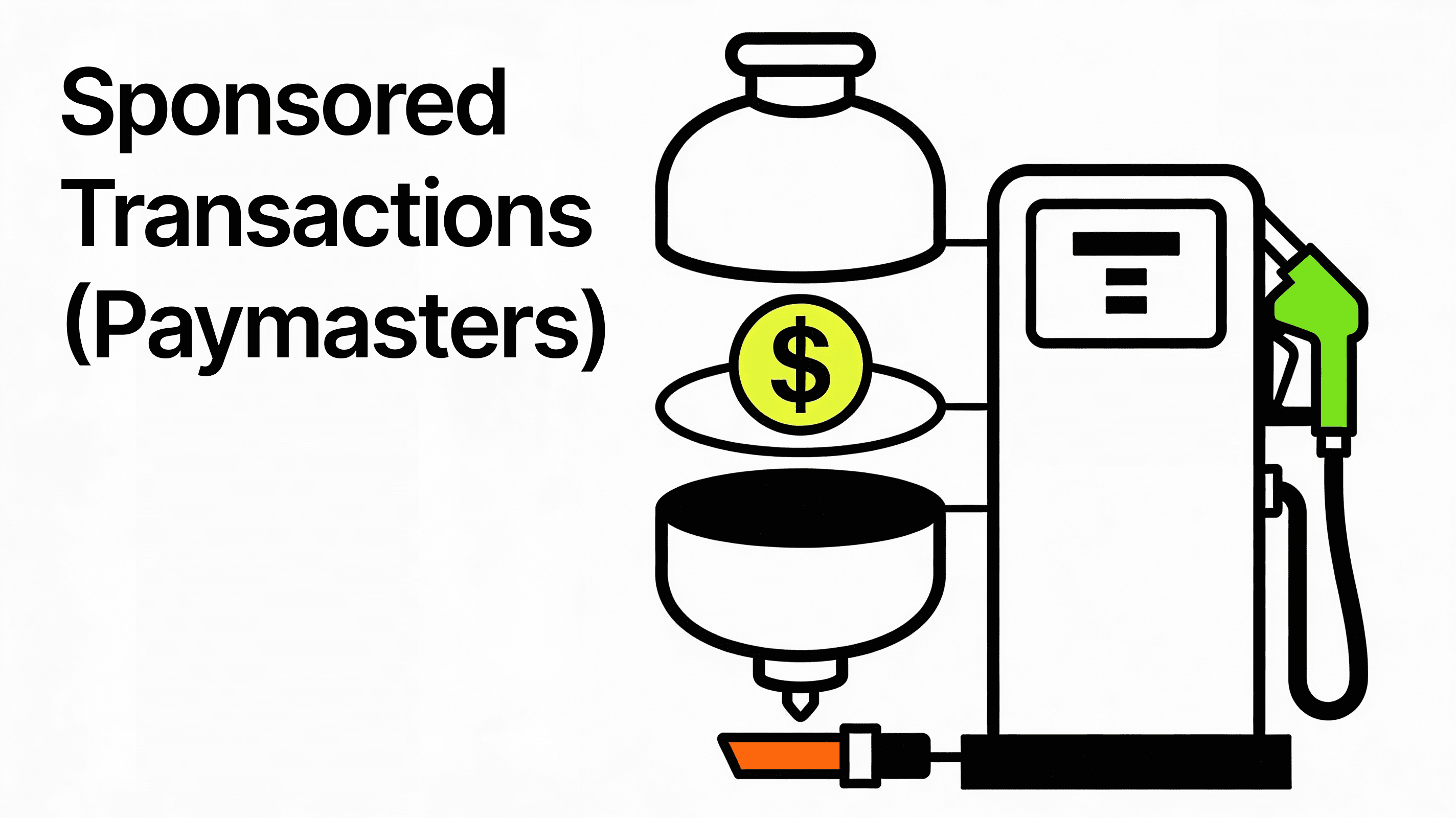
Openfort offers a complete account abstraction stack with bundlers, paymasters, and session keys ready to ship.
This feature lets your users transact on Solana without holding any SOL for network fees. You sponsor the gas, they focus on your product. Jump straight to the sponsor gas on Solana docs.
How it works
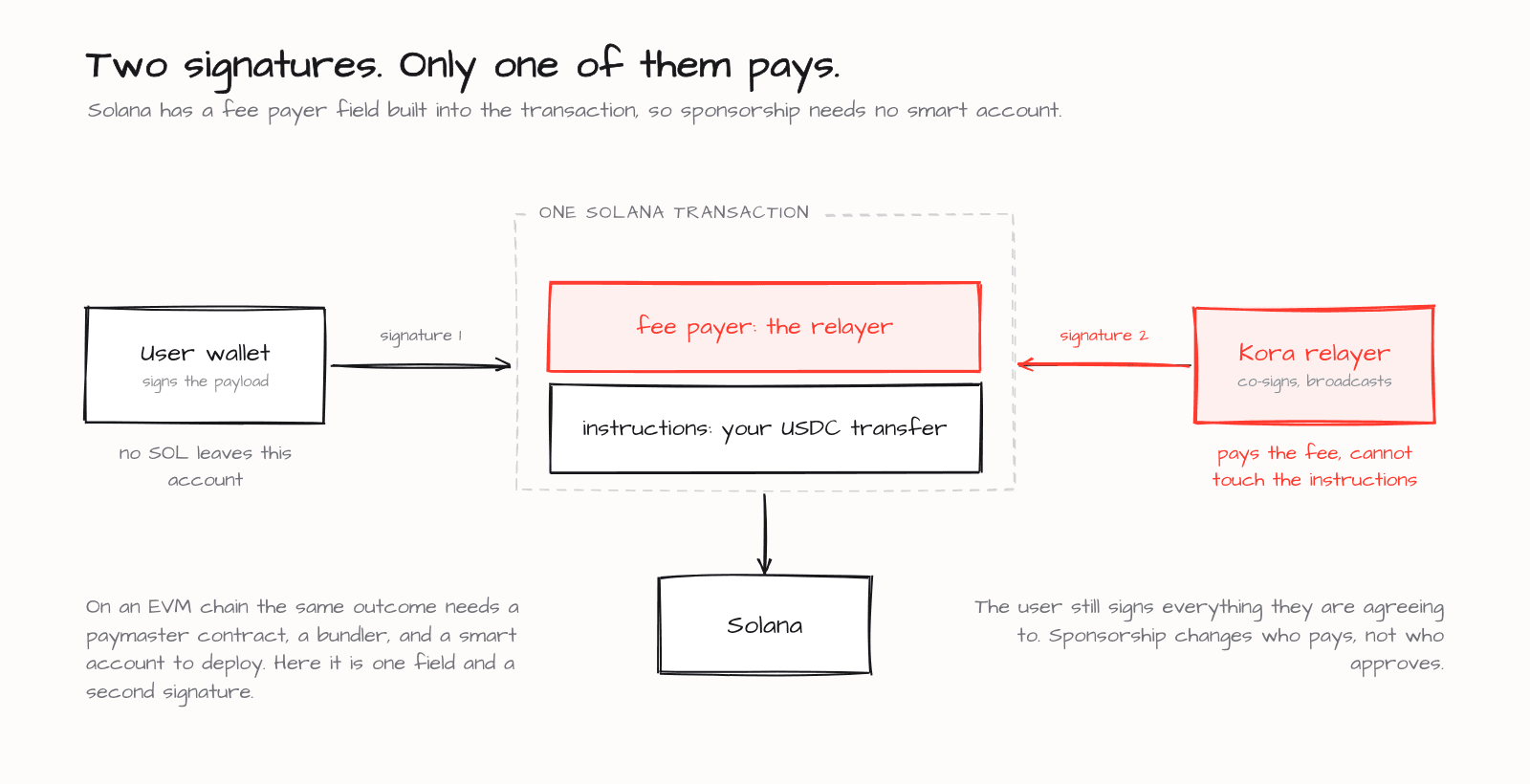
The technical implementation uses a co-signing pattern with the Kora relayer:
- Your app constructs a transaction with Kora as the fee payer
- The user signs the transaction payload through their Openfort embedded wallet
- Kora co-signs and broadcasts the transaction to the Solana network
The user's wallet only signs the transaction data; no SOL is deducted from their account. The relayer handles the fee payment on your behalf. This approach maintains the security guarantees of cryptographic signing while removing the gas fee barrier for your users.
Unlike EVM chains, which sponsor gas through ERC-4337 paymasters, Solana has a native fee payer field: any account can pay fees for another. That makes gas sponsorship on Solana simpler and cheaper, with no smart-account contract to deploy.
How to sponsor gas on Solana
Sponsoring gas takes two pieces of configuration and one send call. The full walkthrough lives in the sponsor gas on Solana docs; here's the short version.
Install the SDK:
_10npm install @openfort/openfort-node
Create a gas sponsorship policy with the sponsorSolTransaction operation — do this once in the dashboard or via the API. Solana policies are project-scoped and apply automatically to every transaction:
_10curl -X POST https://api.openfort.io/v2/policies \_10 -H "Authorization: Bearer $YOUR_SECRET_KEY" \_10 -H "Content-Type: application/json" \_10 -d '{_10 "scope": "project",_10 "description": "Sponsor all Solana transactions",_10 "rules": [_10 { "action": "accept", "operation": "sponsorSolTransaction", "criteria": [] }_10 ]_10 }'
Attach a pay_for_user gas sponsorship so your project balance covers the fees:
_10curl -X POST https://api.openfort.io/v2/fee-sponsorship \_10 -H "Authorization: Bearer $YOUR_SECRET_KEY" \_10 -H "Content-Type: application/json" \_10 -d '{_10 "name": "App-pays gas on Solana",_10 "strategy": { "sponsorSchema": "pay_for_user" },_10 "policyId": "ply_..."_10 }'
Now send. The policy applies automatically, so the wallet never needs SOL:
_18import 'dotenv/config'_18import Openfort from '@openfort/openfort-node'_18_18const openfort = new Openfort(process.env.OPENFORT_SECRET_KEY!, {_18 walletSecret: process.env.OPENFORT_WALLET_SECRET!,_18 publishableKey: process.env.OPENFORT_PUBLISHABLE_KEY!,_18})_18_18const account = await openfort.accounts.solana.backend.create()_18_18const result = await account.transfer({_18 to: '{{DESTINATION_ADDRESS}}',_18 amount: 1_000_000n, // in the token's smallest units_18 token: 'usdc',_18 cluster: 'mainnet-beta', // or 'devnet'_18})_18_18console.log('Sponsored transfer signature:', result.signature)
Kora signs as fee payer, your balance is billed, and the user pays nothing.
Let users pay gas in stablecoins (USDC, USDT, USDG)
Sometimes you don't want to eat the cost yourself. On Solana you can instead let users pay the fee in a stablecoin they already hold — USDC, USDT, or USDG — instead of SOL. Each is an SPL token, so the same flow accepts any SPL mint your project allows.
The paymaster signs as fee payer and collects the fee on-chain in one of your accepted mints, so your project balance is never debited. Follow the pay Solana gas in stablecoins guide to configure it, and confirm which mints are accepted with the getSupportedTokens endpoint.
Frictionless wallet creation
Gasless transactions pair with Openfort's embedded wallet infrastructure on Solana. Users can create self-custodial wallets through familiar login methods (email, social auth, or SMS) without needing to understand blockchain mechanics upfront.
Combined with gasless transactions, this means:
- No seed phrase education required during onboarding
- No "buy SOL first" step before users can interact
- Standard web2 login flows with crypto capabilities
Your users start using your product immediately, with the blockchain infrastructure kept out of view.
Why this matters
Gas fees remain one of the biggest friction points in crypto applications. On Solana, fees are already low, but "low" isn't zero. Users still need to acquire SOL, transfer it to the right wallet, and maintain a balance. Each step is a potential drop-off point.
Gasless transactions eliminate this friction entirely. Your application handles gas costs as a business expense, similar to paying for API calls or cloud infrastructure.
For stablecoin flows, DeFi savings, trading, or any consumer application, this changes the onboarding equation. Users don't need to become crypto-literate before experiencing your product.
Get started
The docs walk through the full setup with copy-paste code:
→ Sponsor gas on Solana and Ethereum — policy setup, app-pays sponsorship, and the send call for both chains.
→ Pay Solana gas in stablecoins — let users pay fees in USDC, USDT, or USDG.
If you're already using Openfort on Solana, upgrading to sponsored transactions requires minimal changes to your existing integration.
Related reading
- How to set up gasless transactions — the full EVM + Solana implementation guide with code
- Announcing Openfort for Solana — our initial Solana launch and roadmap
- Embedded wallets explained — understand how Openfort's wallet infrastructure works
- Backend wallets — server-side wallet management for automated operations