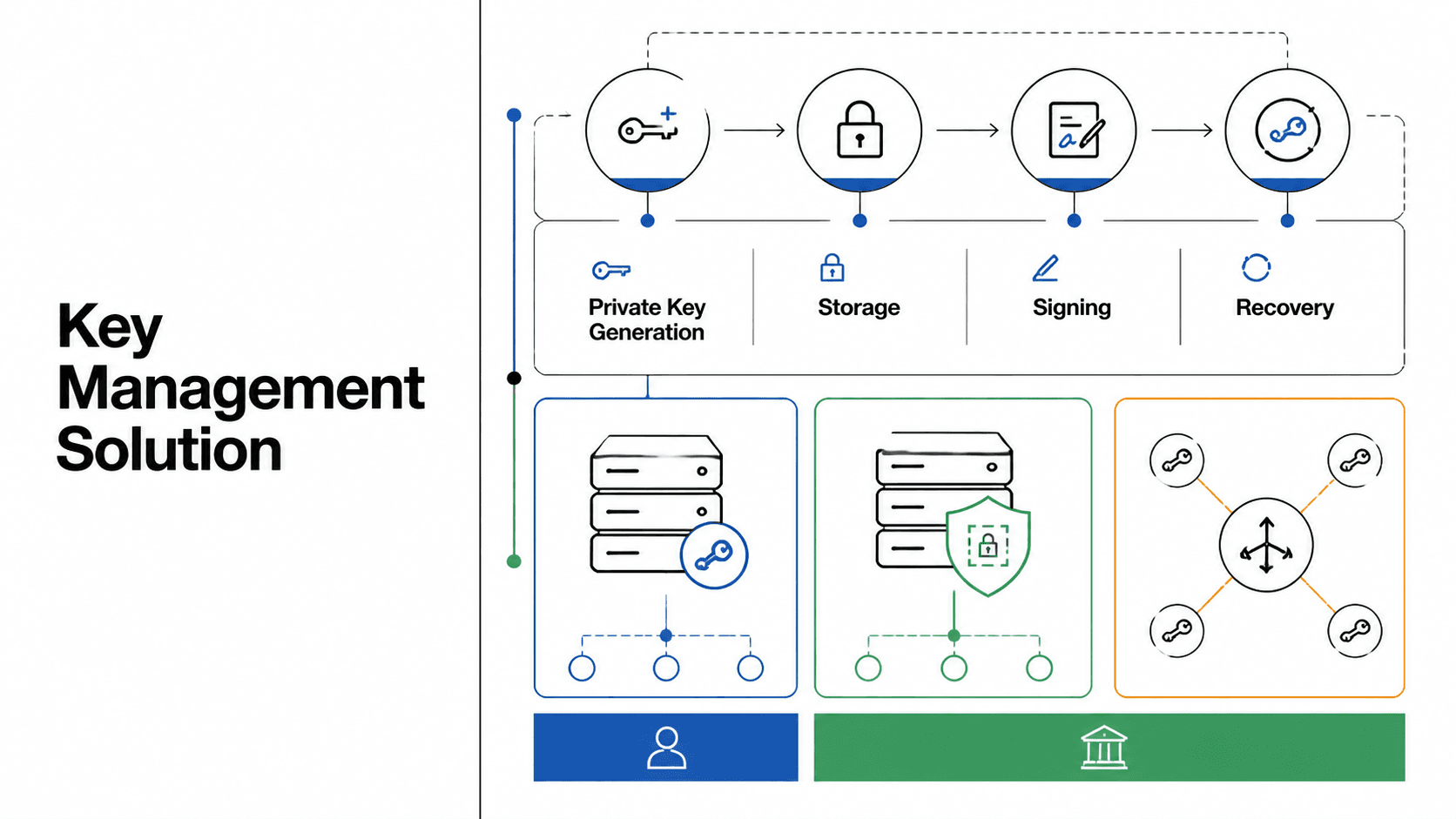
The Openfort CLI lets you manage wallets, gas sponsorship, policies, and transaction flows from your terminal — across EVM and Solana, in one binary.
It exists because most of the operational work in a serious wallet stack still happens at the shell prompt: scripted backend-wallet provisioning, policy edits in CI, ad-hoc transaction debugging, and increasingly, AI agents driving Openfort through subprocess calls.
Today the CLI covers the resources teams actually touch in production — backend wallets, smart accounts, policies, sponsorships, transaction intents, contracts, sessions, and subscriptions — and is designed to behave the same whether a developer types the command or a script pipes it.
Built for wallet infrastructure
Openfort CLI supports both EVM and Solana chains, so one interface can cover backend wallet operations across both ecosystems.
On EVM, there are two transaction paths: a recommended sponsored flow and a more manual advanced flow. For most teams, openfort accounts evm send-transaction is the right default because it automatically finds or creates a delegated account, signs the EIP-7702 authorization, creates the transaction intent, signs it, and submits it from a single command.
That matters because gasless transactions usually involve multiple moving parts. Openfort wraps delegation, signing, sponsorship, and submission into one workflow, while still keeping lower-level transaction commands available when you need finer control.
Built for humans and automation
Getting started begins with openfort login, which opens the Openfort dashboard in your browser and stores your API key, publishable key, and project ID locally for future commands.
Before you create wallets or sign data, you generate wallet signing keys with openfort backend-wallet setup. That command creates an ECDSA P-256 key pair, registers it with Openfort, and saves the keys to your local credentials file.
From there, the CLI works well in both interactive and automated environments. It can read stored credentials automatically for local development, and it also supports environment variables such as OPENFORT_SECRET_KEY, OPENFORT_WALLET_SECRET, OPENFORT_PUBLISHABLE_KEY, and OPENFORT_BASE_URL for scripts and CI workflows.
Quick start
A typical first run for a sponsored EVM transaction looks like this.
_29npm install -g @openfort/cli_29_29openfort login_29openfort backend-wallet setup_29_29openfort accounts evm create_29# returns: acc_..._29_29openfort contracts create \_29 --name "My Token" \_29 --address 0xbabe0001489722187FbaF0689C47B2f5E97545C5 \_29 --chainId 84532_29_29openfort policies create \_29 --scope project \_29 --rules '[{"action":"accept","operation":"sponsorEvmTransaction","criteria":[{"type":"evmNetwork","operator":"in","chainIds":[84532]}]}]'_29# returns: ply_..._29_29openfort sponsorship create \_29 --policyId ply_... \_29 --strategy pay_for_user \_29 --name "Base Sepolia Gas" \_29 --chainId 84532_29# returns: pol_..._29_29openfort accounts evm send-transaction acc_... \_29 --chainId 84532 \_29 --interactions '[{"to":"0xbabe0001489722187FbaF0689C47B2f5E97545C5","data":"0x...","value":"0"}]' \_29 --policy pol_...
This flow follows the docs’ quick start for a sponsored transaction on Base Sepolia. You authenticate, generate wallet keys, create an EVM backend wallet, register a contract, create a policy, attach sponsorship, and send a gasless transaction using the sponsorship ID passed through --policy.
If you want to verify the result, you can then inspect the transaction intent with openfort transactions get <tin_id>. For advanced cases, you can also split the lifecycle manually with openfort transactions create and openfort transactions sign, although Openfort recommends the higher-level sponsored flow for most EVM use cases.
More than a wallet CLI
The CLI goes beyond basic wallet creation. It also covers smart contracts, policies, sponsorships, transaction intents, sessions, users, paymasters, subscriptions and webhook triggers, and Shield keys for embedded wallets.
That makes it useful not just for testing commands in a terminal, but for operating wallet infrastructure end to end. You can use it to move from account creation to policy enforcement to gas sponsorship to transaction delivery without bouncing between scripts and dashboards.
The result is a CLI that makes Openfort feel more like programmable infrastructure. Install it, authenticate once, and start managing wallets and gasless transaction flows from your terminal.