Migrating your React application from Web3Modal to Openfort allows you to move beyond simple wallet connection and offer a more robust, specialized experience with embedded wallets and gas sponsorship.
How to Migrate from Web3Modal to Openfort?
To migrate from Web3Modal to Openfort, first install the @openfort/react package and its required dependencies like wagmi and viem. Next, replace your existing Web3Modal provider in the root of your application with the OpenfortProvider, passing in your publishable keys and wallet configuration. You will then update your components to use Openfort hooks—for example, switching from useWeb3Modal to Openfort’s useUI for modal management. Finally, replace any logout logic using useDisconnect with Openfort’s useSignOut to ensure users are correctly logged out of both the application and the underlying wallet infrastructure.
1. Install Openfort
Install the required package and its peer dependencies:
If you have wagmi and react-query already installed, just add openfort:
_10yarn add @openfort/react
Note: Ensure you have compatible versions of
wagmi,viem,@tanstack/react-query, andreactas required by Openfort.
If you don't have wagmi or react-query installed, add them as well:
_10yarn add @openfort/react wagmi viem@^2.22.0 @tanstack/react-query
Using ethers is also supported, but viem and wagmi are the recommended stack, Openfort-react uses them under the hood.
2. Swap Wallet Provider
Swapping to Openfort react is very simple! Just replace Web3Modal provider with Openfort provider.
From:
_12const Web3Modal = window.Web3Modal.default;_12const providerOptions = {_12 /* See Provider Options Section */_12};_12_12const web3Modal = new Web3Modal({_12 network: "mainnet", // optional_12 cacheProvider: true, // optional_12 providerOptions // required_12});_12_12const provider = await web3Modal.connect();
To:
_15import { OpenfortProvider } from "@openfort/react";_15_15// ... your configuration_15_15export default function WalletProvider({ children }) {_15 return (_15 <WagmiProvider config={config}>_15 <QueryClientProvider client={client}>_15 <OpenfortProvider /* Your configuration */ >_15 {children}_15 </OpenfortProvider>_15 </QueryClientProvider>_15 </WagmiProvider>_15 );_15}
3. Configure Openfort
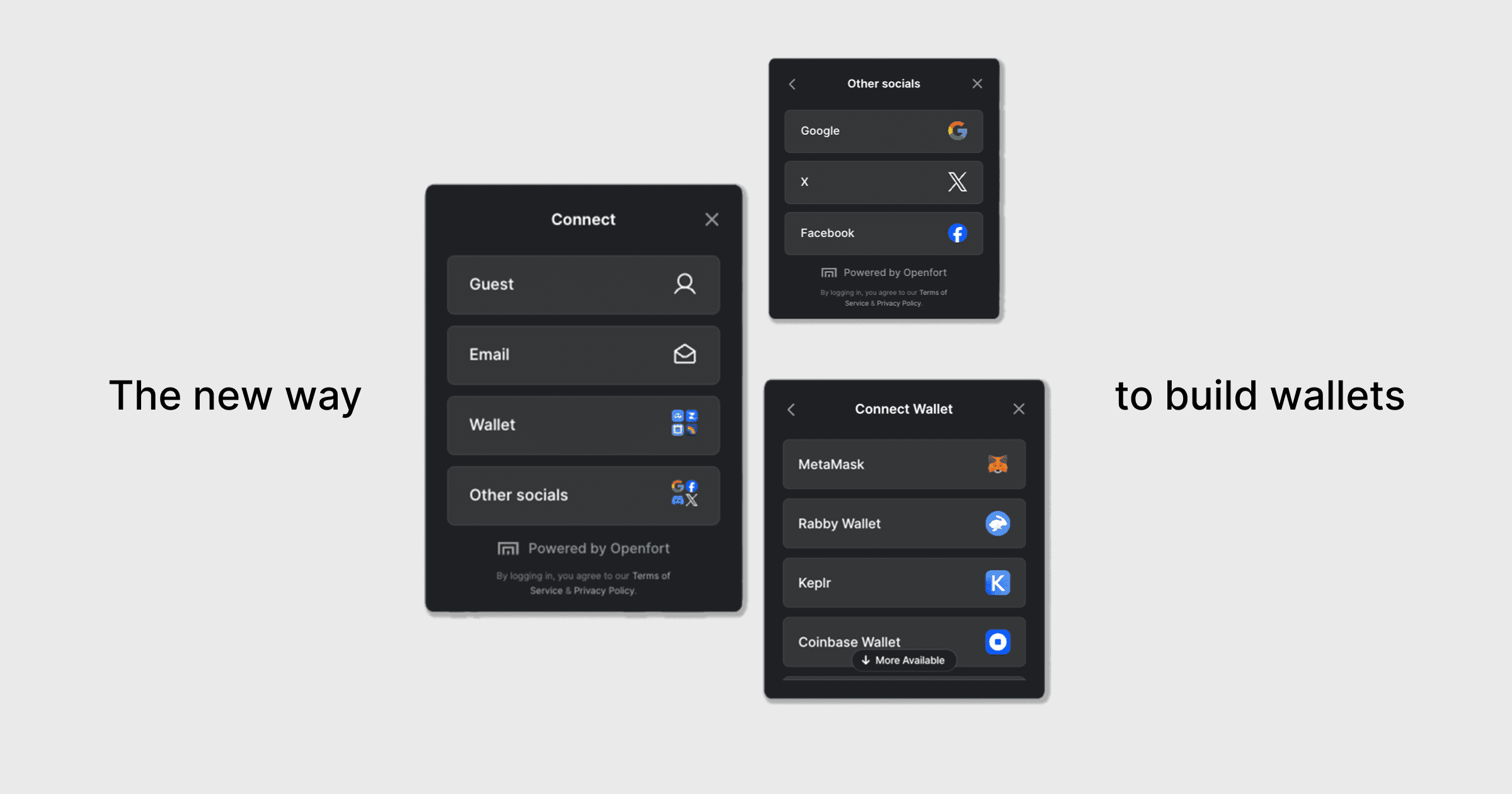
Openfort UI comes with various configuration options, like what auth methods you want to use, the policy to sponsor your transactions and more.
Create the configuration, and add it to the OpenfortProvider as follows:
_35const openfortOptions = {_35 skipEmailVerification: true,_35 authProviders: [_35 AuthProvider.GUEST,_35 AuthProvider.EMAIL,_35 AuthProvider.WALLET,_35 AuthProvider.GOOGLE,_35 ]_35};_35_35const walletConfig: OpenfortWalletConfig = {_35 createEmbeddedSigner: true,_35 embeddedSignerConfiguration: {_35 shieldPublishableKey: "Your shield api key",_35 recoveryMethod: RecoveryMethod.PASSWORD,_35 shieldEncryptionKey: "Your encryption share",_35 ethereumProviderPolicyId: "Your sponsor policy",_35 }_35};_35_35export default function WalletProvider({ children }) {_35 return (_35 <WagmiProvider config={config}>_35 <QueryClientProvider client={client}>_35 <OpenfortProvider_35 publishableKey={"Your publishable key"}_35 walletConfig={walletConfig}_35 options={openfortOptions}_35 >_35 {children}_35 </OpenfortProvider>_35 </QueryClientProvider>_35 </WagmiProvider>_35 );_35}
4. Update Modal Usage in Components
Using Openfort hooks the same way you would use Web3Modal's hooks. The full list of hooks can be found here
For example, to open the modal, with Web3Modal you would use useWeb3Modal. With Openfort you would use useUI, as follows:
Web3Modal:
_10import { useWeb3Modal } from "@web3modal/ethers5/react";_10const { open: openConnectModal } = useWeb3Modal();_10..._10<Button onClick={openConnectModal}>Connect Wallet</Button>
Openfort:
_10import { useUI } from "@openfort/react";_10const { setOpen: openConnectModal } = useUI();_10..._10<Button onClick={openConnectModal}>Connect Wallet</Button>
5. Handling Disconnect/SignOut Logic
If you used useDisconnect, replace it with Openfort's useSignOut, so the openfort user is logged out and disconnected:
Before:
_10import { useDisconnect } from "wagmi";_10const { disconnect } = useDisconnect();
After:
_10import { useSignOut } from "@openfort/react";_10const { signOut } = useSignOut();
6. Remove Web3Modal Imports and Dependencies
yarn remove @web3modal/ethers5/react
Also, remove all @web3modal/ethers5/react imports and related code from your project files.
7. Test Your Application
- Run your app and verify wallet connection, modal, and sign out flows work as expected.
- Check for any remaining Web3Modal usage and update as needed.