Managing multiple identities shouldn't be a headache for users or developers. With the release of Multi Accounts, Openfort now allows users to create and switch between several wallets under a single account effortlessly.
What is Multi-Account Support in Openfort?
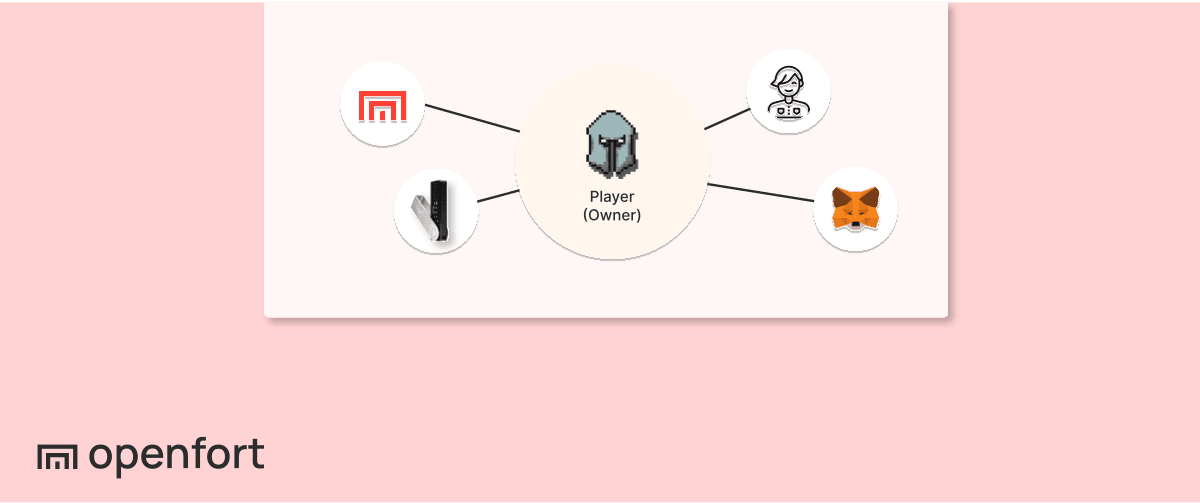
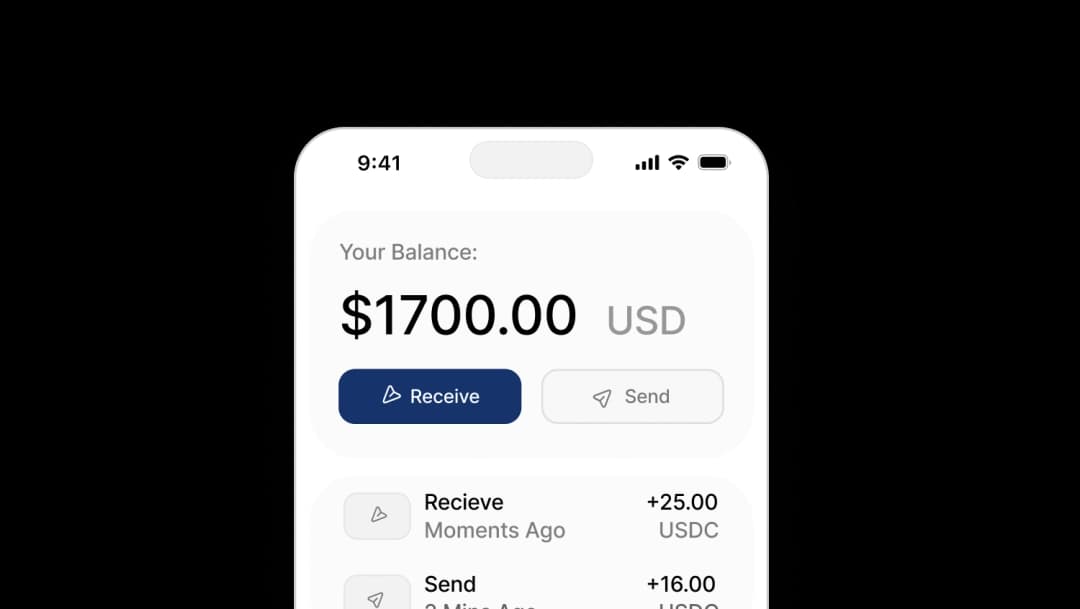
Multi-account support in Openfort is a feature that allows a single user identity (authenticated via social login, email, or passkeys) to manage multiple independent smart accounts. These accounts can exist on the same blockchain or across different networks, enabling users to separate their digital assets for different purposes—such as keeping daily spending funds separate from long-term savings. The Openfort React SDK handles the session management and state for these accounts natively, allowing developers to implement account switching with just a few lines of code while maintaining a unified user profile.
This feature was one of the most requested by our community, and it’s now built directly into the Openfort React SDK — no extra setup required.
Why Multi Accounts
In many applications, a single wallet per user can be limiting. Different contexts call for different accounts:
- Separation of purposes — for example, a savings account for long-term holdings and a personal account for day-to-day transactions.
- Specialized trading strategies — such as running independent buy and sell operations without risk of cross-contamination.
By enabling multiple accounts under the same identity, developers can offer cleaner user experiences, keep activities organized, and help users manage risk more effectively.
How it Works
Multi Accounts is supported natively in the React SDK. Creating and switching between accounts is straightforward:
_10// Create a new account for the active user_10createAccount();_10_10// Switch the active account in your session_10setActiveAccount(accountId);
The SDK handles the underlying state, ensuring that each account maintains its own transaction history, balances, and chain context.
Updated Documentation
We’ve fully updated our documentation with guidance, examples, and integration patterns for Multi Accounts. You’ll find sections on:
- Creating accounts programmatically
- Switching active accounts in the UI
- Persisting and restoring account sessions
- Multi-chain account management best practices